Moat
Your 2FA codes, behind a moat.
Two-factor codes, passwords, and API keys — all behind one end-to-end encrypted moat. Zero-knowledge, recoverable with your own key, and it works offline with no account.

- iPhone
- Apple Watch
- Mac
What you get
-
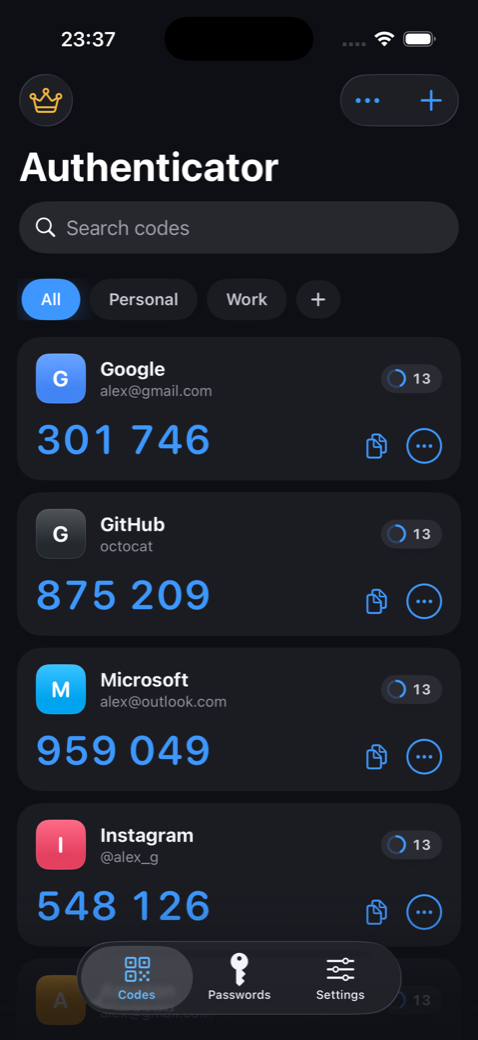
Real 2FA codes
Standards-based TOTP and HOTP for thousands of services — Google, GitHub, Apple, Microsoft and more.
-
End-to-end encrypted backup
Backup and multi-device sync encrypted on-device with AES-256-GCM. Zero-knowledge — we can never read it.
-
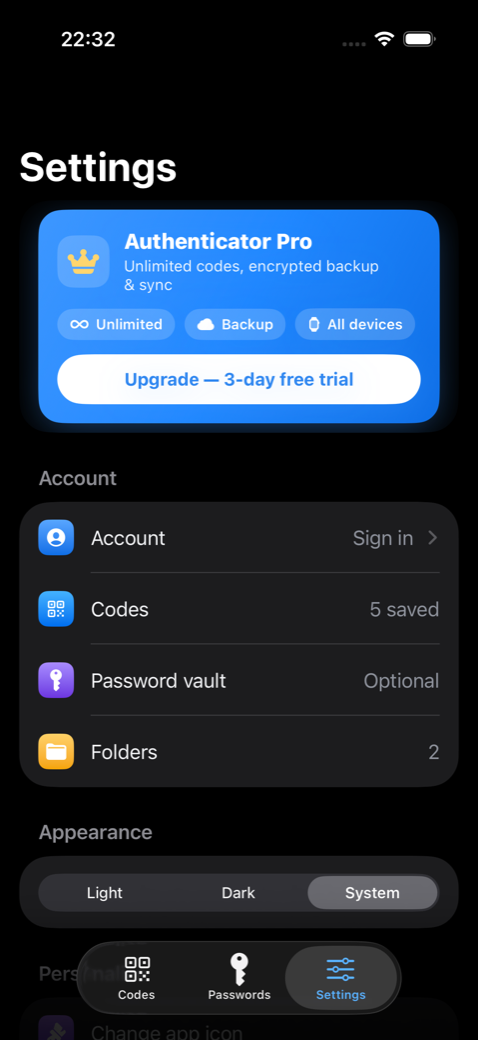
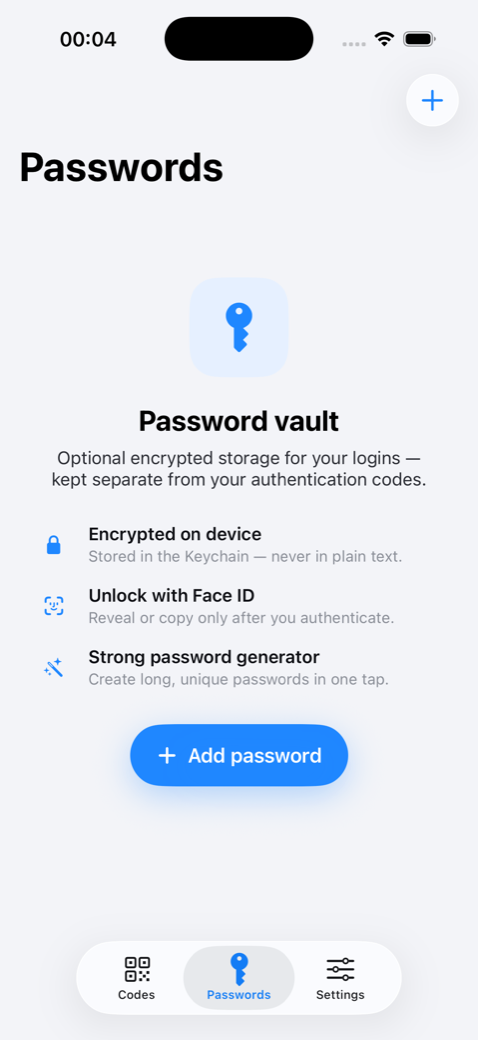
Password & API-key vault
Keep secrets in the iOS Keychain, revealed only after Face ID. Your whole login layer in one place.
-
One-scan migration
Move your entire Google Authenticator set across with a single scan. Widgets, AutoFill and an Apple Watch app come along too.
A look inside
Questions
Is my data encrypted?
Yes. Backups are encrypted on your device with AES-256-GCM before they leave it, and the servers only ever hold ciphertext — we cannot read your codes or passwords.
Does it work offline?
Yes. Codes are generated on-device and Moat works with no account and no connection. Encrypted backup and sync are optional.
Can I move over from Google Authenticator?
Yes — import your whole set with a single scan, plus otpauth links, photos, or CSV.
What does it cost?
Free to start. A Premium tier unlocks unlimited accounts and end-to-end encrypted backup and sync.
Get Moat on the App Store